← floatrx.net · ~/useful

Useful things

Free tools I made for developers. Take them, fork them, use them.

// Harness: agents that finish tasks

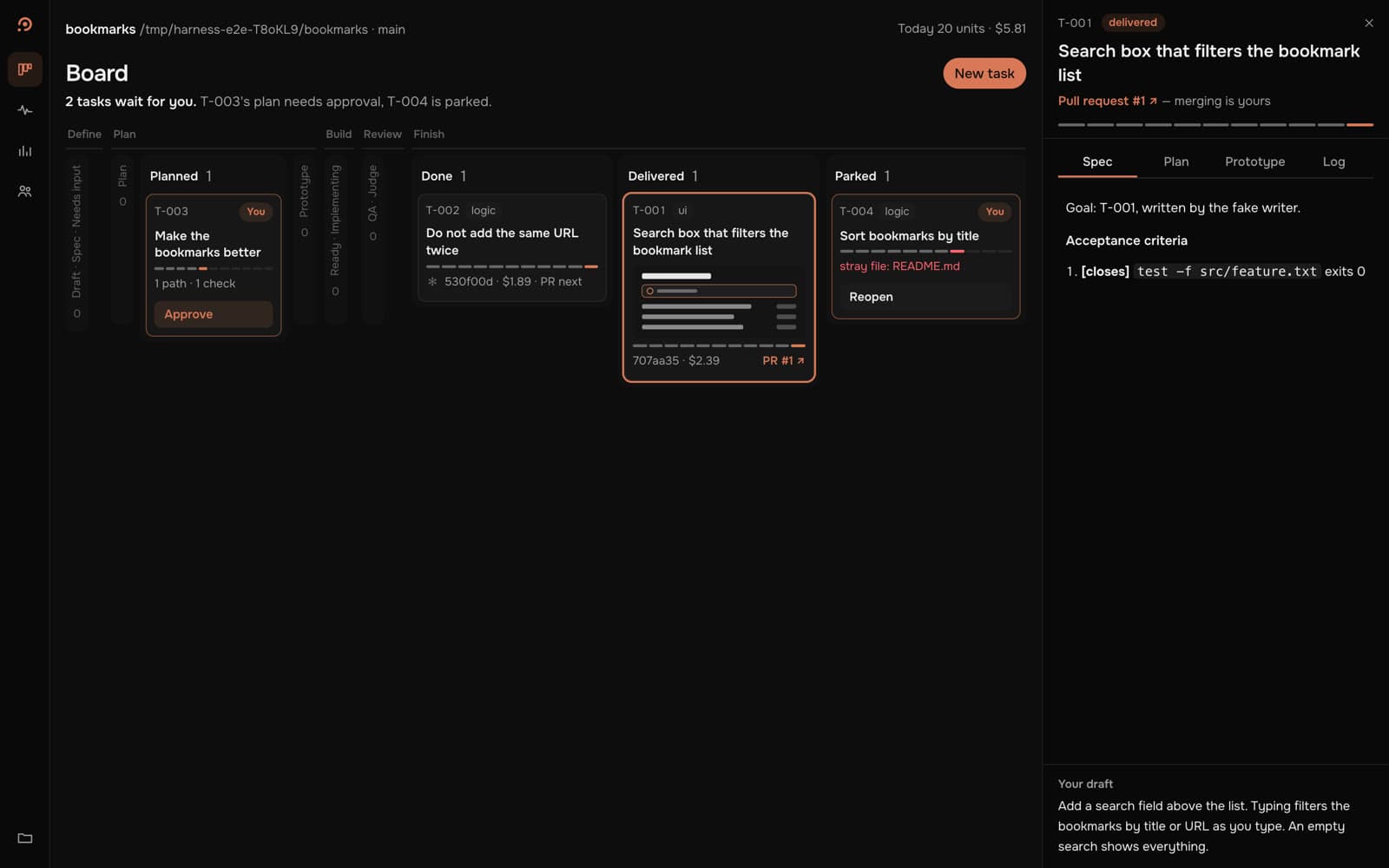
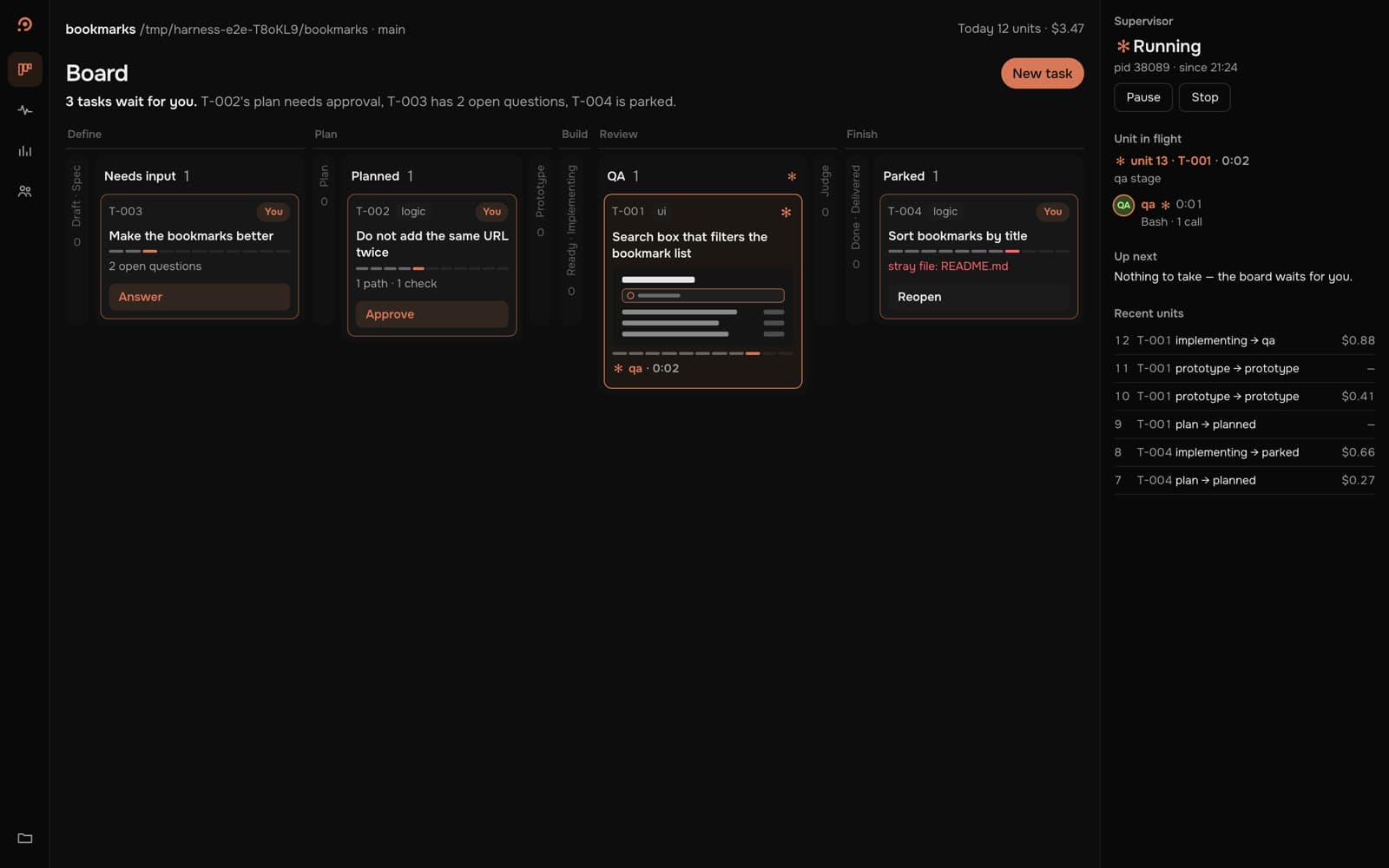
Harness board: tasks moving from draft to delivered

Harness — Claude Code that finishes tasks

Write a two-line draft on a kanban board. Agents turn it into a spec, ask you questions, plan, prototype, build, test in a real browser and judge the result — then open a pull request you merge.

  • Contracts in code, not instructions in a prompt, gate every step
  • Live dashboard: the board, agent traces and the cost of every task
  • Pilot: 4 real tasks → 4 pull requests for $9.13 of API tokens
Claude CodeNode.jsTypeScriptNext.jsPlaywright
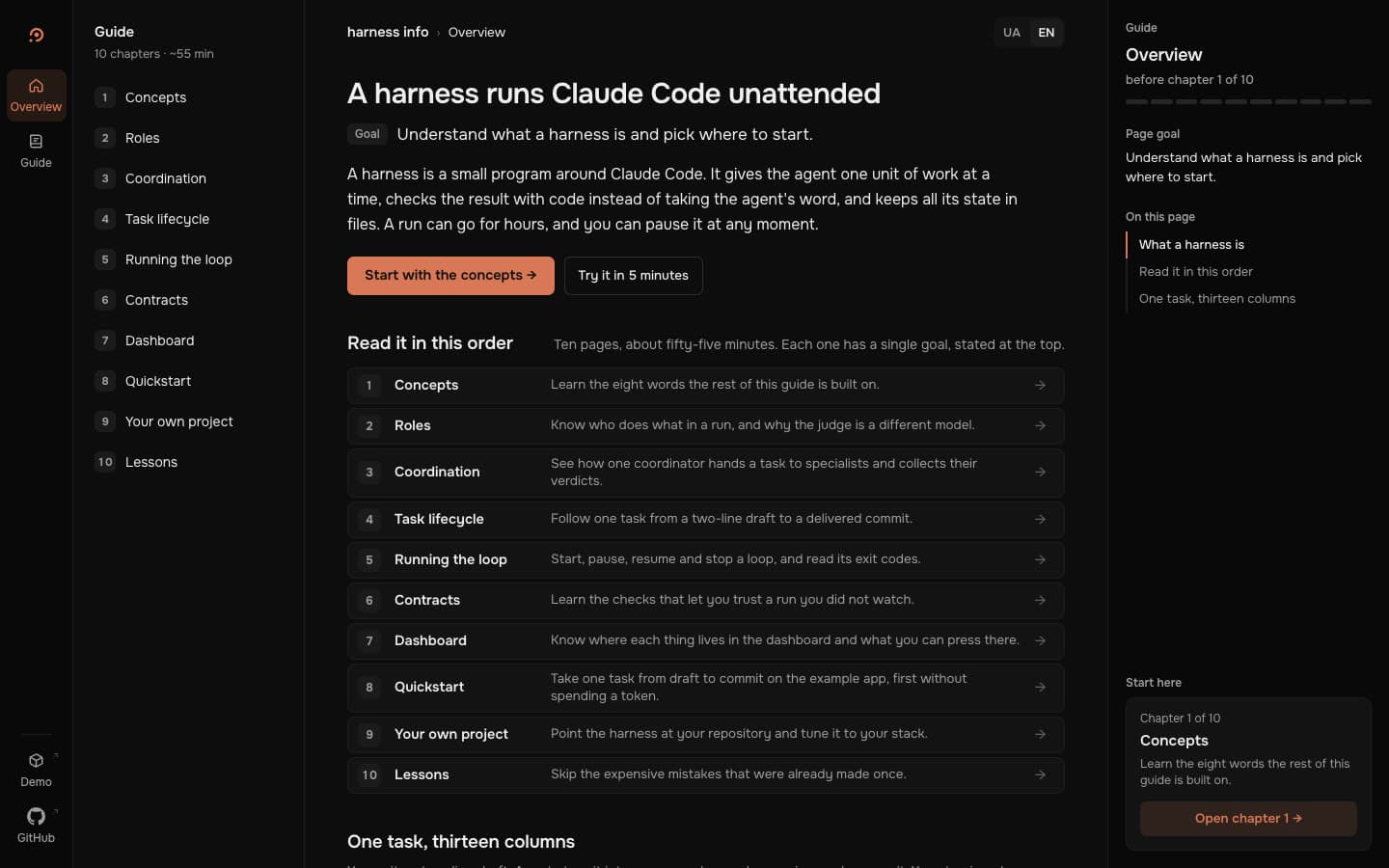
harness-info: the overview chapter

harness-info — the guide

A step-by-step guide in English and Ukrainian for developers who have never set up an agent harness: what it is, how the loop runs, and how to adapt it to your project.

  • 10 chapters, about 50 minutes: concepts, roles, task lifecycle, contracts, dashboard
  • A quickstart and the lessons from the pilot
Next.jsnext-intlMDXTailwind CSS
A task delivered by the harness, with its pull request

Bookmarks — an app the harness builds

A small Next.js bookmarks app that serves as the harness’s test ground: its pull requests are opened by agents and merged by a human.

  • Open the pull requests to see what the agents delivered
Next.jsagentspull requests

// Claude Code tooling

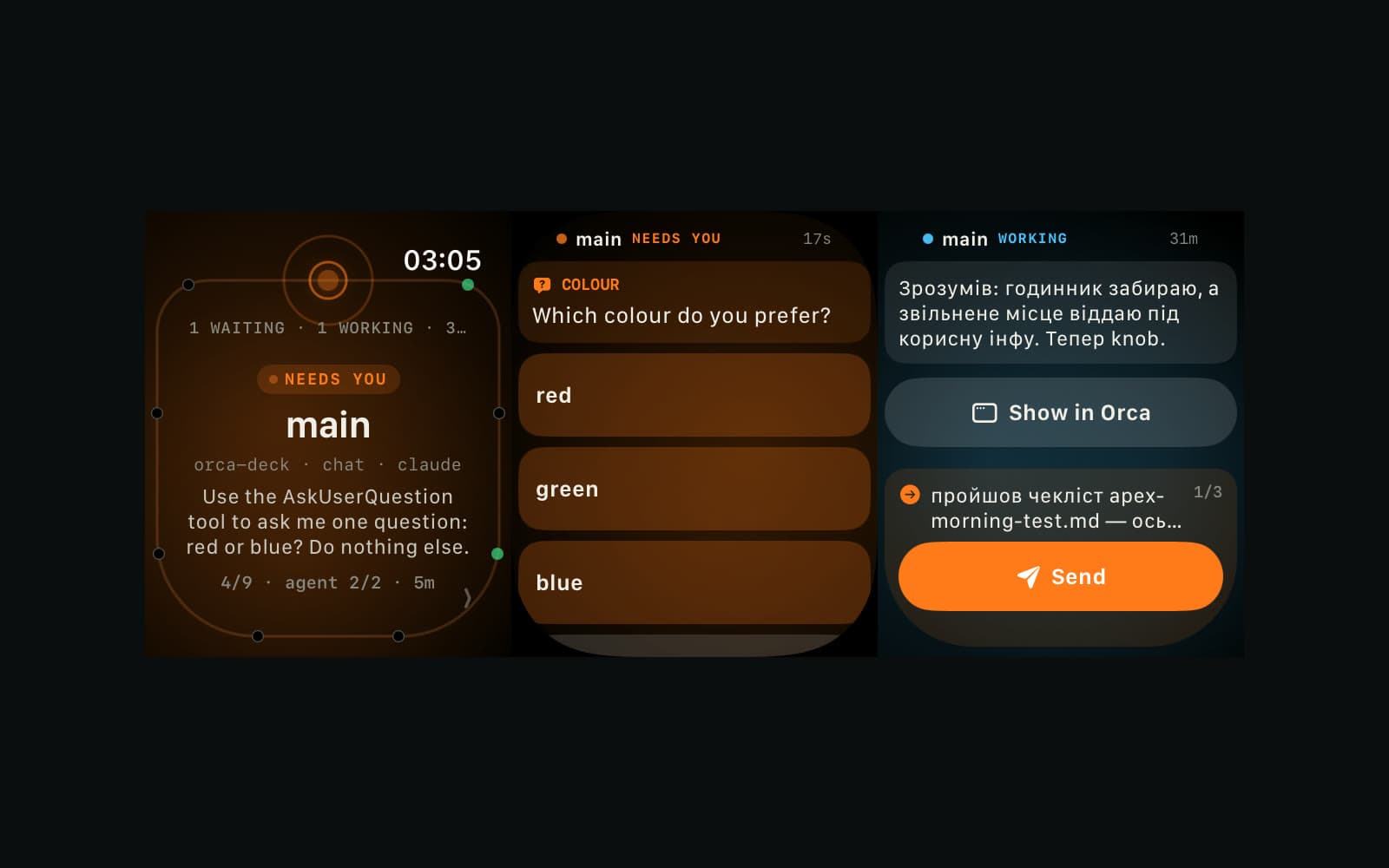
orca-deck on Apple Watch: an agent needs you, a question, a reply

orca-deck — Apple Watch remote for agents

Control Claude Code agents running in the Orca IDE from your wrist: the Digital Crown scrolls through agents, a tap opens the worktree, haptics tell you when an agent is done or needs you.

  • Answer agent questions and send the next prompt from the watch
  • SwiftUI watchOS app + a Hammerspoon bridge (HTTP, WebSocket, ntfy push)

A personal build: installing it needs your own Xcode signing.

SwiftUIwatchOSHammerspoonClaude Code
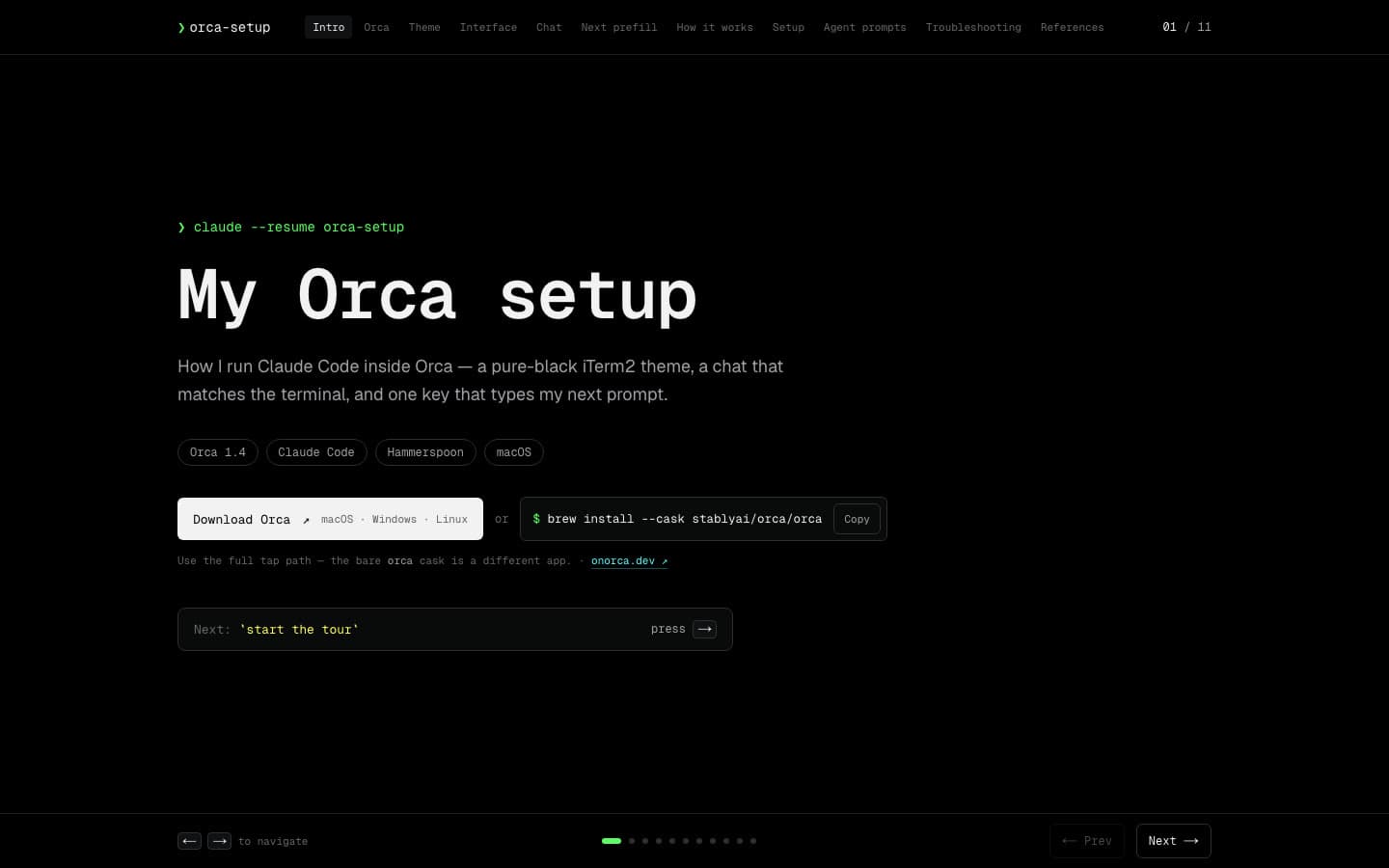
The first slide of the Orca setup deck

My Orca setup — slide deck

How I run Claude Code inside the Orca IDE: theme, chat settings, a hook that puts the suggested next prompt into the input, setup steps, prompts and troubleshooting.

  • Downloadable hook script and Hammerspoon config
OrcaClaude CodeHammerspoon

claude-bot — Claude Code from Telegram

Answer Claude Code’s permission prompts and idle questions from your phone while it runs in tmux on your machine.

  • Owner-only guard, typing indicator and reactions
  • A step-by-step setup guide
Node.jsTelegram Bot APItmuxPM2

webstorm-mcp — your IDE selection for Claude

A WebStorm plugin and an MCP server, so Claude Code running in tmux or headless still sees the code you selected in the IDE.

  • Its own plugin repository for auto-updates
WebStormMCPClaude Code

claude-pet — desktop pets for Claude sessions

One animated pixel-art pet per running Claude Code session, so you see at a glance which one is working, waiting or done.

  • Skins per model, 6 states, mini-pets for subagents, a tray icon
TauriRustTypeScriptCanvas

approve-builds — pnpm approve-builds that works

A CLI replacement for `pnpm approve-builds`, which corrupts pnpm-workspace.yaml (pnpm issue #9361).

  • Run it with npx — no install
pnpmCLINode.js

// Other

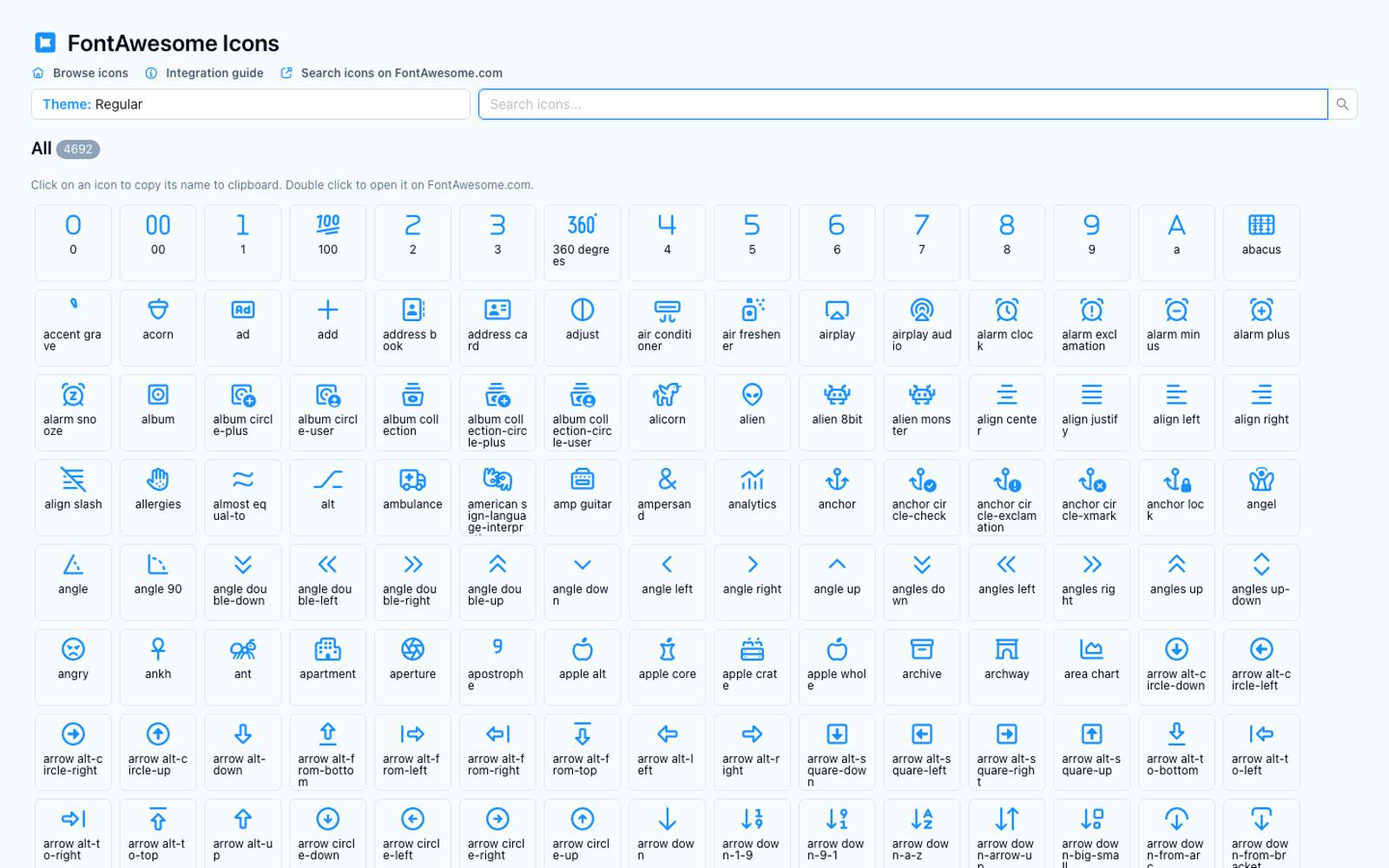
fa: icon grid with search

fa — Font Awesome 7 browser

A demo of how convenient Font Awesome 7 can be in a React project: 5,240 icons in every style, instant search, one click copies a ready JSX snippet.

  • Virtualized grid with debounced search and a style switcher
  • Click copies <FA icon="…" />, double-click opens the icon on fontawesome.com
  • A typed React wrapper and a setup guide

Demo project. To use Font Awesome Pro icons in your product, buy a Font Awesome Pro license — using them is your responsibility.

ReactTypeScriptViteFont Awesome 7
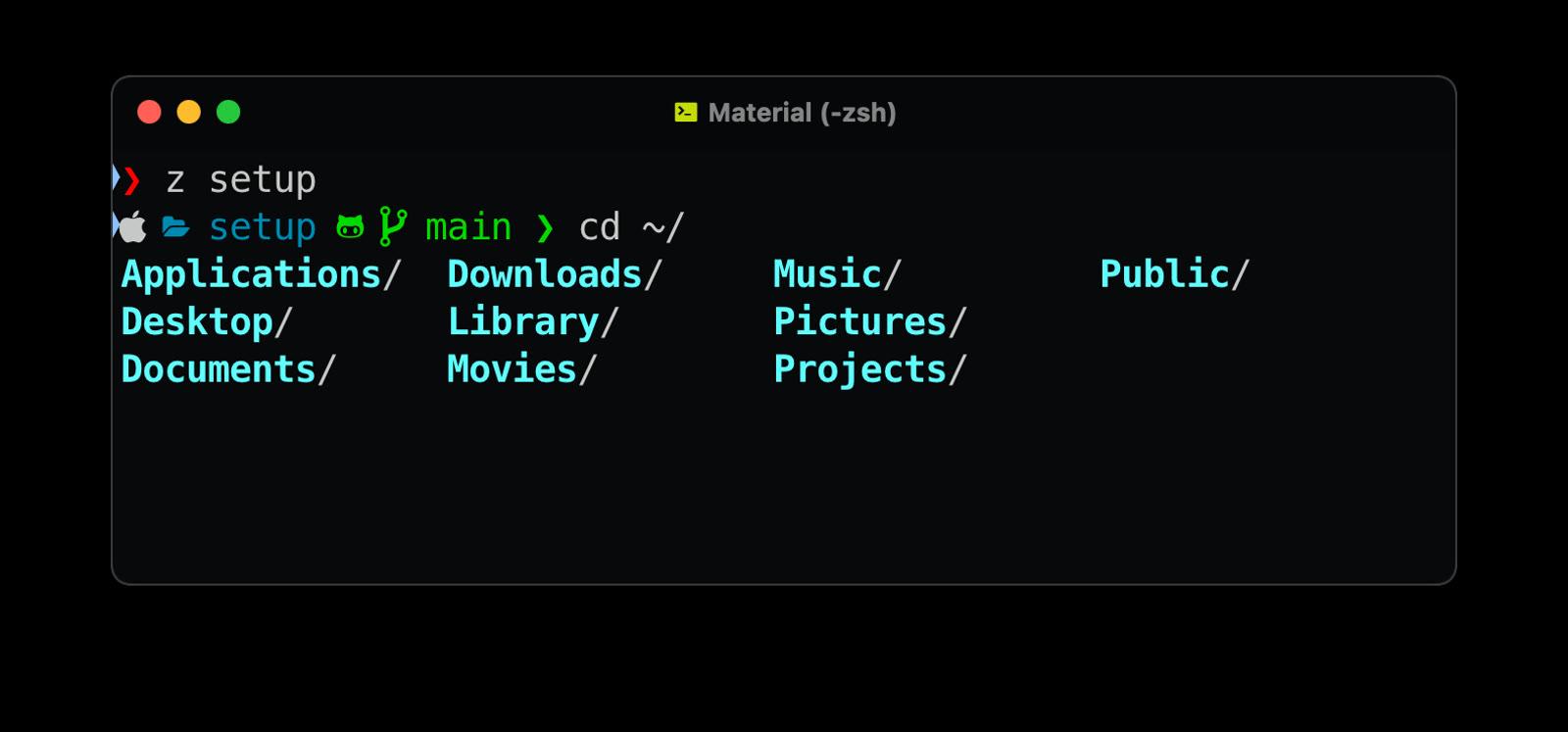
Terminal with the Powerlevel10k prompt

.setup — my terminal

My Zsh setup in one repo: a new Mac goes from zero to a fully working terminal with one script.

  • Oh My Zsh + Powerlevel10k, autosuggestions and syntax highlighting
  • fzf, z and tmux with vim keybindings
  • Homebrew lists for CLI tools and apps, plus a set of productivity aliases
ZshPowerlevel10kHomebrewtmux
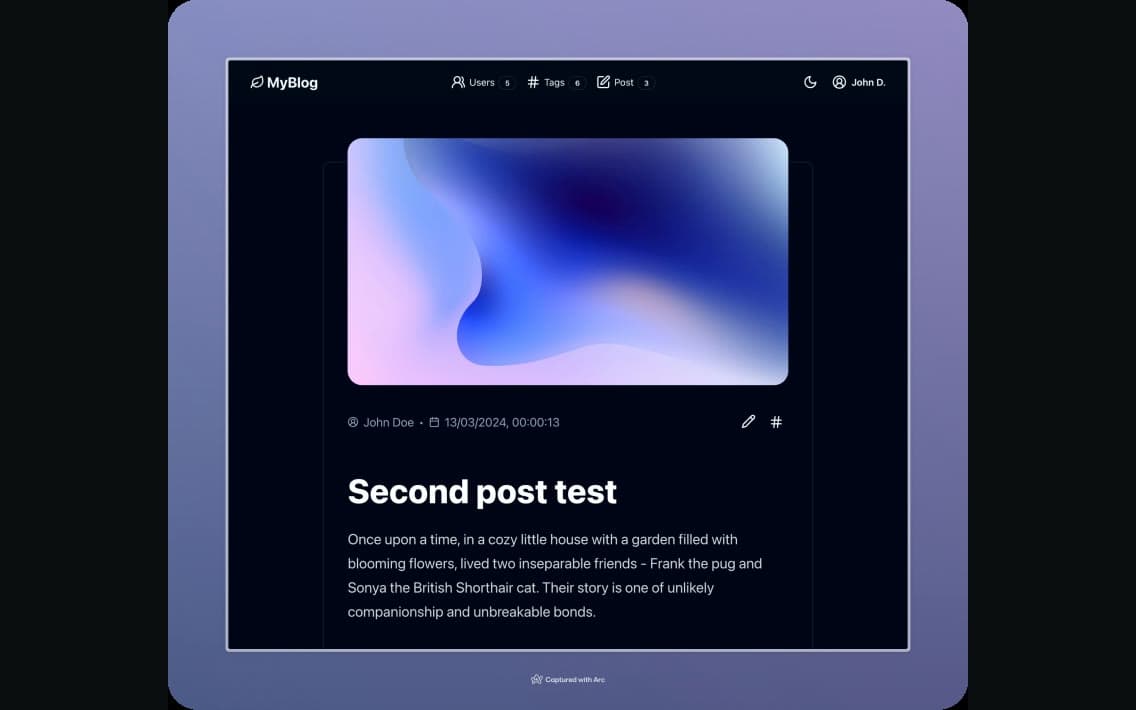
mern-blog: a post page

mern-blog — a full MERN blog

A blog with an Express + Mongoose API and a React client with an MDX editor — a complete example of the MERN stack.

  • Live demo with seeded accounts (see the README)
MongoDBExpressReactNode.jsMDX

resource-monitoring-bot — uptime alerts in Telegram

A Telegram bot that checks your sites on a schedule and tells you when one goes down.

  • grammY + node-cron, runs under PM2 behind nginx
  • Grew from a 2023 pinger through several rewrites
Node.jsgrammYTelegram Bot APIcron